Get the q8805 App
on Your Android Phone
One APK file. No Play Store needed. Slots, live casino, Crash games and cricket betting — all in one place. Deposit from ৳150 with bKash or Nagad, right inside the app.
App or Browser: Which Should You Use?
Both work fine, but the q8805 app gives you a noticeably faster experience on mobile. Here is a straight comparison so you can decide.
| Feature | q8805 App (Android APK) | Mobile Browser |
|---|---|---|
| Game loading speed | Faster — cached assets, less data | Depends on connection |
| Push notifications | Live match alerts, bonus reminders | Not available |
| bKash / Nagad deposit | In-app, one tap | Available |
| Offline home screen icon | Always on your home screen | Shortcut only (iOS Safari) |
| Biometric login | Fingerprint / face unlock | Not available |
| Battery use | Optimised, lower drain during live play | Higher — browser overhead |
| Live cricket score widget | In-app score bar | Not available |
| Auto-update | Download new APK when prompted in app | Always latest — no update needed |
| Works on Android 7.0+ | ||
| iOS support | APK is Android only | Safari on iPhone / iPad |
| File size | 36 MB one-time install | No install needed |
On Android, the native app is the better option for daily play. iPhone users can still access everything through q8805.org in Safari — full game library, same payment methods.
How to Install the q8805 APK on Android
The whole process takes under a minute. Android blocks APK files from outside the Play Store by default — step 2 fixes that. Follow the five steps below in order.
-
1
Tap "Download APK" above
The file q8805.apk (36 MB) downloads to your phone's Downloads folder. Keep your Wi-Fi or mobile data stable — an interrupted download produces a broken file that will not install. Check your notification bar; a completed download shows a tick.
-
2
Allow installation from unknown sources
Open Settings → Apps → Special app access → Install unknown apps. Find your browser or file manager, then toggle Allow from this source to ON. On Android 7 or 8, the setting is under Settings → Security. You only need to do this once.
-
3
Open the downloaded APK file
Go to your Downloads folder (or tap the notification) and open q8805.apk. Android shows an install confirmation screen listing the permissions the app needs. Review them, then tap Install. The process takes about 10–15 seconds.
-
4
Open the q8805 app and log in
Tap Open on the success screen, or find the q8805 icon on your home screen. If you already have an account, enter your phone number and password on the login page. New player? Tap Register to create a free account in under two minutes.
-
5
Make a first deposit and start playing
Open the Deposit section inside the app. Select bKash, Nagad, Rocket, Upay or Bank Transfer. The minimum is ৳150 and funds arrive in around 4 minutes. First-time deposits unlock a 235% welcome bonus up to ৳29,500 — the bonus appears in your account automatically after the deposit clears.
iPhone / iPad: Add to Home Screen
There is no iOS APK. The quickest way on iPhone is to save q8805.org as a home screen shortcut in Safari — it behaves like a native app.
- 1Open q8805.org in Safari (not Chrome — the share sheet works best in Safari).
- 2Tap the Share button (the box with an arrow pointing up) at the bottom of the screen.
- 3Scroll down and tap Add to Home Screen. Give it a name, then tap Add.
- 4The q8805 icon now sits on your home screen. Tap it to open the site in a full-screen view without the Safari toolbar.
Is the q8805 APK Safe to Install?
A lot of players ask this before installing an APK outside the Play Store — that is a sensible question. Here is what you need to know about the q8805 app's security setup.
TLS Encryption on All Connections
Every request the app makes — login, deposit, game session — travels over TLS 1.3. Your account credentials and payment details are encrypted end-to-end. No one on the same Wi-Fi network can intercept your data. The certificate is validated every time the app starts.
APK Signed and Verified
The q8805.apk file is digitally signed. Android checks the signature when you install and every time an update replaces the old version. If the file has been tampered with after leaving our server, the signature check fails and Android refuses to install it. Always download only from q8805.org.
Minimal Permissions Requested
The app only asks for permissions it actually uses: internet access, camera (for KYC document scan), storage (to save receipts), and notifications (for match alerts and bonus reminders). It does not request access to your contacts, SMS history, call log or location.
Two-Factor Authentication Available
After install, go to Account → Security to enable two-factor authentication. Each login then requires a one-time code sent to your registered phone number. This protects your account even if someone else learns your password. Biometric unlock (fingerprint or face) is also supported on compatible Android phones.
Version Details & System Requirements
Check this table before you download. The app runs smoothly on most Android phones made in the last five years. No root required, no additional software needed.
| Detail | Value |
|---|---|
| App Version | 3.5.12 |
| File Name | q8805.apk |
| File Size | 36 MB |
| Minimum Android Version | Android 7.0 (Nougat) or higher |
| Last Updated | 12 November 2026 |
| Price | Free |
| Language Support | English & Bangla |
| iOS Version | Use q8805.org in Safari (Add to Home Screen) |
| Minimum Deposit in App | ৳150 |
| Customer Support | 24/7 Live Chat inside the app |
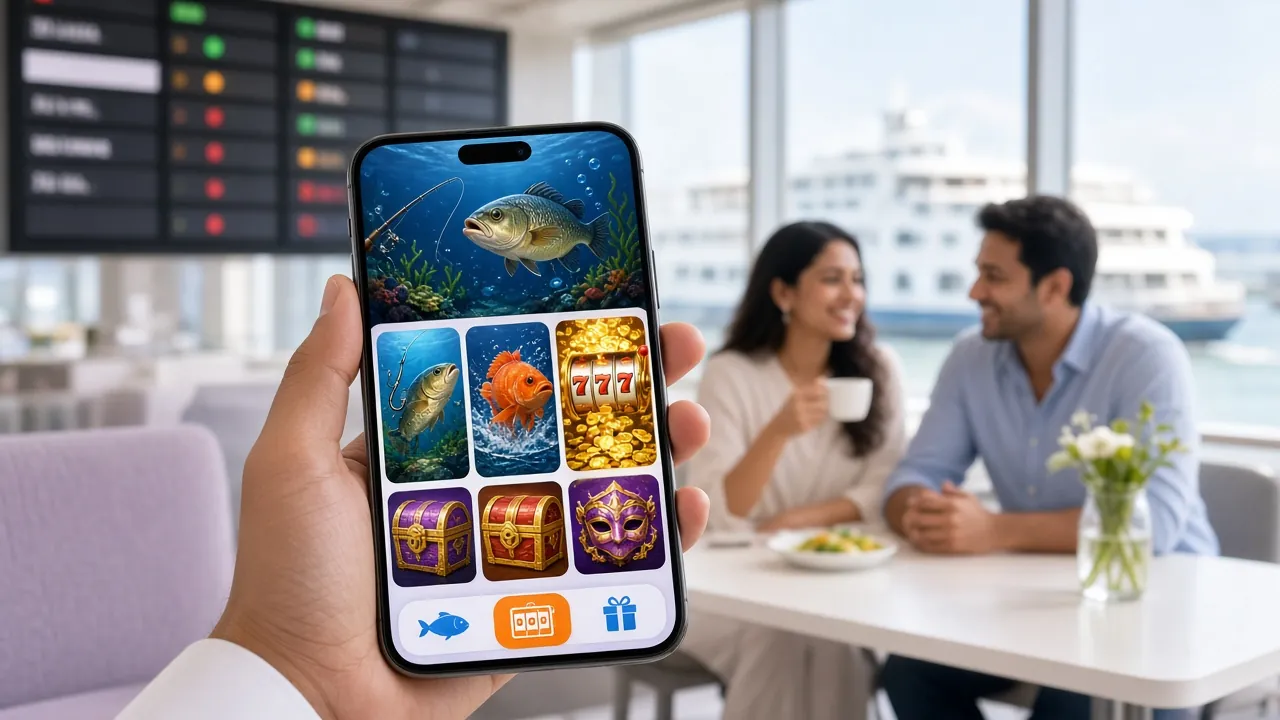
Six Reasons Players Keep Coming Back to the App
The q8805 app covers every game type available on the desktop site. Here is a quick rundown of what is waiting for you after install.
Slots from Top Providers
Pragmatic Play, JILI, Playtech and Habanero slots run natively in the app — no browser tab needed. Titles include Crazy 777, Bird Catcher and Color Game, with RTPs up to 97.5%. Minimum bet from ৳1 so you can stretch a small balance a long way.
Live Casino Tables
Evolution and Pragmatic Play live tables stream directly inside the app. Roulette, baccarat and game shows with real dealers are available around the clock. The video quality adjusts automatically to your connection speed, so a 4G signal is plenty for smooth play.
Crash Games
Crash Goal by Evolution is the most-played crash game on the platform. Set a multiplier target, cash out before the graph drops. Bets start at ৳2 with a maximum of ৳50,000 per round. The in-app experience is smoother than the browser version because the chart renders with native graphics.
Cricket & Sports Betting
T20, ODI and BPL matches are listed in the Sports section. Place pre-match or in-play bets on match winner, top scorer and over/under markets. Live score updates appear in a bar at the top of the screen so you never miss a wicket while navigating between tabs.
Fishing Games
Relax Fishing (Habanero, RTP 97.5%), Happy Fishing (Evolution) and All-Star Fishing are popular with players who prefer a skill-blend game over pure luck. The touch controls in the app feel more natural than a mouse click, making these games particularly enjoyable on a phone screen.
Instant bKash & Nagad Payments
Deposits reach your q8805 account in around 4 minutes. Withdrawals — minimum ৳1,000, maximum ৳235,000 per day — are processed in about 43 minutes. The app keeps your preferred payment method saved so each top-up takes only a few taps. No separate banking app switching required.
Popular Games in the App Right Now


Install Problems? Fix Them Here
These are the five most common issues players run into when installing the q8805 APK, and exactly what to do about each one.
| Problem | Likely Cause | Fix |
|---|---|---|
| "App not installed" error | An older version of the app is already on the phone, and the signatures do not match, or the downloaded file is incomplete. | Uninstall the old version first (Settings → Apps → q8805 → Uninstall), then re-download the APK and try again. Make sure the download completed fully — the file should be exactly 36 MB. |
| Android blocks the install | "Install unknown apps" permission is off for the browser or file manager you used to open the file. | Go to Settings → Apps → Special app access → Install unknown apps. Find the app you used (Chrome, Files, etc.) and toggle Allow from this source ON. Then open the APK again. |
| App crashes on launch | Device runs Android 6 or lower, or available storage is under 100 MB. | Check your Android version under Settings → About phone. The minimum is Android 7.0. Free up storage if needed. If the device meets requirements and it still crashes, re-download the APK — the file may be corrupted. |
| Download stalls or never completes | Weak mobile data signal or the connection dropped mid-download. | Switch to Wi-Fi if possible. Cancel the stalled download, clear your browser's download queue, and start the download again from the q8805 App page. The 36 MB file should complete in under 30 seconds on a normal 4G connection. |
| Login fails after install | Wrong password, or the account is registered under a different phone number. | Use the Forgot Password link on the login page to reset via SMS. If you do not have an account yet, register free — it takes under two minutes. Contact 24/7 Live Chat inside the app if you are locked out. |
Still stuck? Open 24/7 Live Chat inside the app or on the website. The support team typically responds in under two minutes.
Common Questions About the App
Quick answers to what most people want to know before they download.
01 Is the q8805 APK safe to download and install?
Yes. The APK is built and signed by the same team that runs q8805.org. Android verifies the digital signature on every install, so a tampered file is automatically rejected. The app uses TLS 1.3 encryption for all network traffic — your login details and payment data are protected. Only download the file from q8805.org to make sure you get the authentic, signed version. Third-party APK mirror sites are not endorsed.
02 Why do I need to allow "unknown sources" on Android?
Google Play Store is not the only way to distribute Android apps. Any APK file installed outside the Play Store is called an "unknown source" in Android's settings. This permission is off by default for safety. You are granting it only to the specific app — your browser or file manager — that you used to open the APK, not to everything on your phone. You can turn the permission back off after install if you prefer. The q8805 app does not change any other system settings.
03 How do I update the q8805 app when a new version comes out?
The app checks for updates automatically when you open it. If a newer version is available, you will see a prompt inside the app. Tap the update button, which downloads and installs the new APK over the existing one — your account data, settings and balance are preserved. You can also return to this page and download the latest APK manually at any time. The current version is 3.5.12, last updated 12 November 2026.
04 Is there an iPhone version of the q8805 app?
There is no iOS APK — Apple does not allow APK installs on iPhones or iPads. The recommended approach for iPhone users is to open q8805.org in Safari, tap the Share button, and select "Add to Home Screen." This creates a shortcut that opens the site in full-screen mode without the browser toolbar. Every game, payment method and account feature works exactly the same as on Android. The only difference is there is no push notification support on iOS.
05 Can I use bKash and Nagad to deposit inside the app?
Yes. bKash, Nagad, Rocket, Upay and Bank Transfer are all available in the app's Deposit section. The minimum deposit is ৳150. Funds typically arrive in your q8805 account within 4 minutes. Each method shows the current processing estimate before you confirm. Your preferred payment method is saved after first use, so top-ups after that take just a few taps. Withdrawal minimum is ৳1,000 and the daily maximum is ৳235,000.
06 Do I need to complete KYC verification to use the app?
You can register, deposit and play without KYC. Verification is required before your first withdrawal. Inside the app, go to Account, then Verification, and upload a photo of your National ID Card (NID), Passport or Driving Licence. The review takes up to 24 hours. Once approved, withdrawals are processed normally — the first one may take up to 6 hours while the account is fully cleared, and subsequent withdrawals average around 43 minutes.
07 What happens to my account if I uninstall the app?
Your q8805 account is stored on our servers, not on your phone. Uninstalling the app does not delete your account, balance, bonus history or transaction records. Simply re-download the APK from this page, reinstall it, and log in with the same phone number and password. Everything will be exactly as you left it. If you have forgotten your password, use the Forgot Password link on the login page to reset it via SMS.
Ready to Install the q8805 App?
36 MB, free, works on Android 7.0 and above. Download the APK now, install in under a minute, and start playing with a first deposit from ৳150.
18+ · Play Responsibly · Minimum deposit ৳150